Who can apply?
Anyone with an OpenSim account who shares travel with an audience, on YouTube, TikTok, a blog, a community or a newsletter. You need to be in the referral program first, and the form shows you how to join if you aren't yet.
OpenSim creator program
Share your own OpenSim link with the people who follow your travels. They get a discount on their first eSIM, and you earn a reward when they buy.
Made for
Applying is free, and the form is short.
What you get
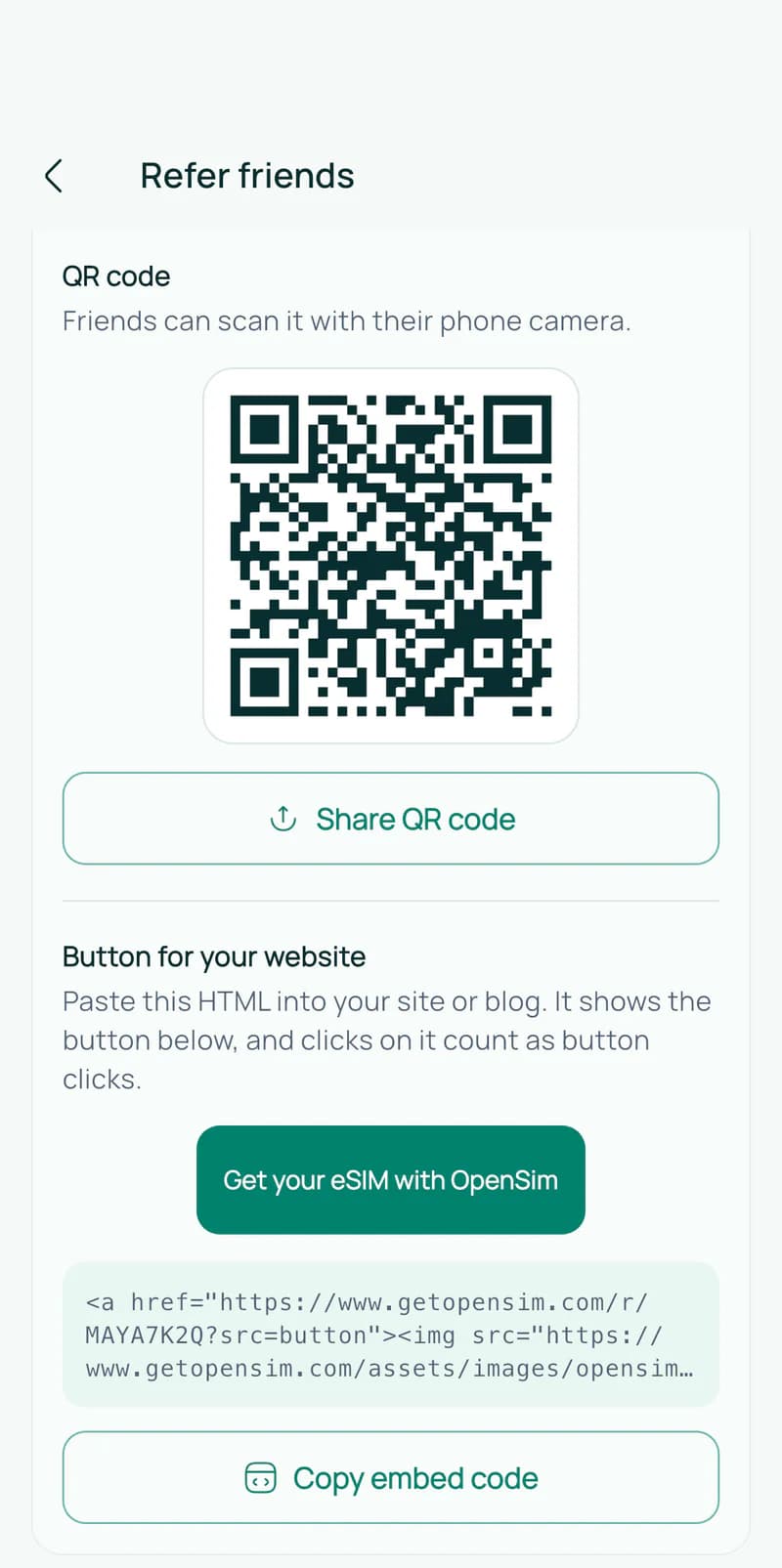
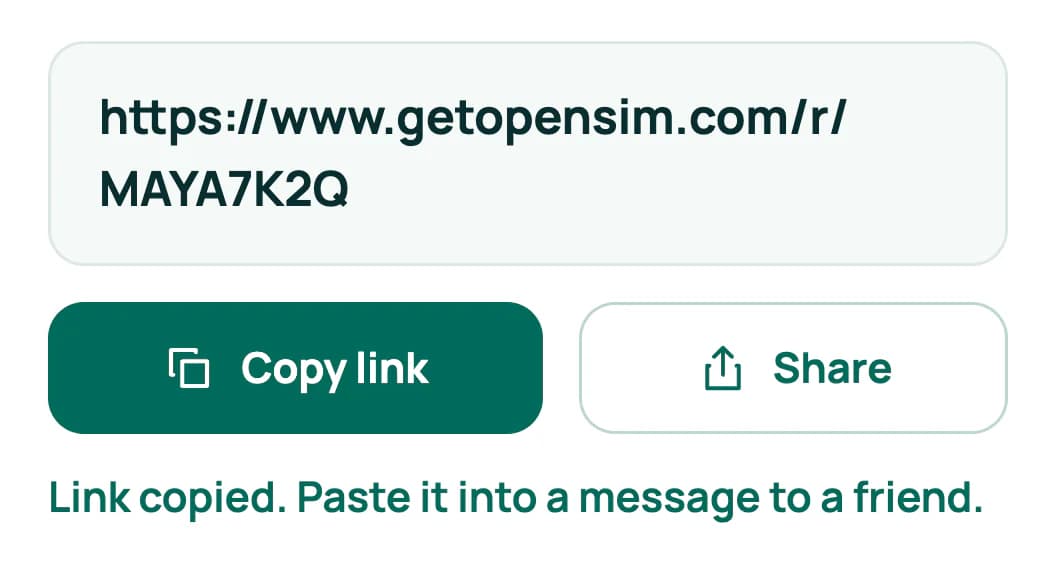
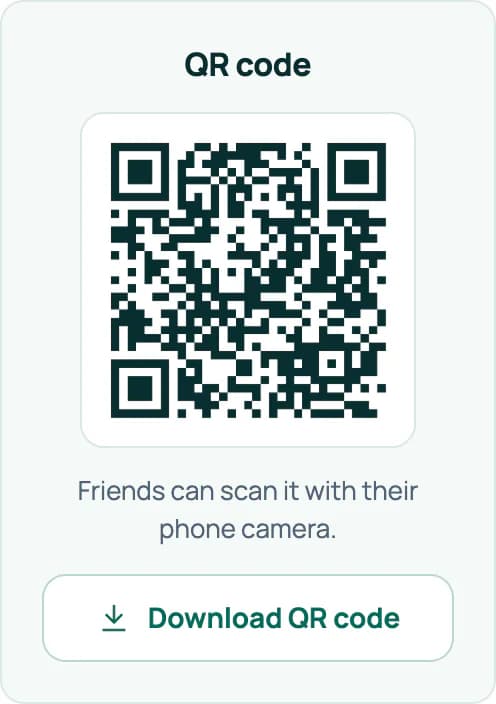
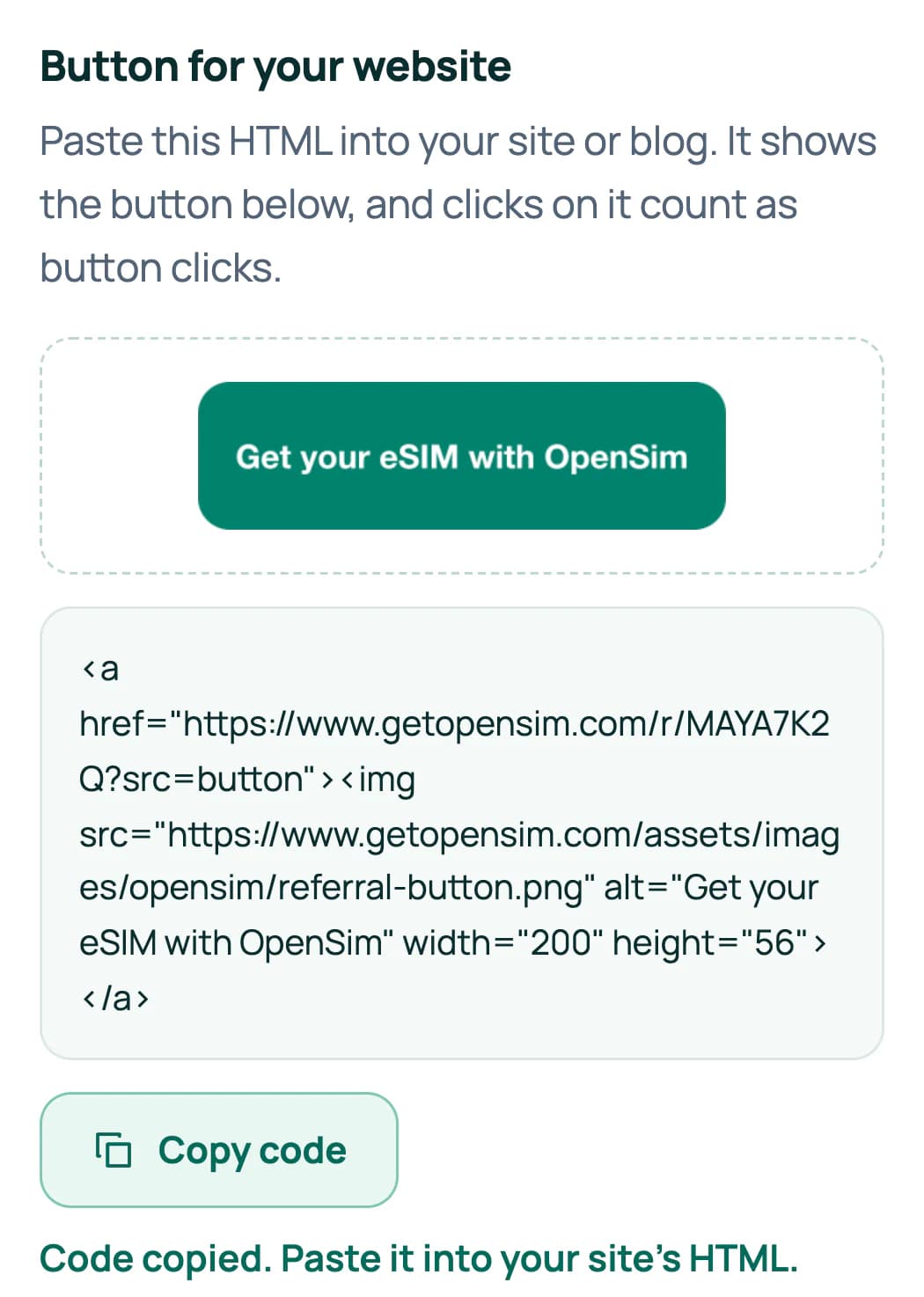
Put the link in your bio or under a video, show the QR code on screen, or add the button to your blog. Your Referrals page counts the clicks on each.
People who use your link or your code get a discount on their first OpenSim eSIM.
When someone you sent buys an eSIM, you earn a reward. You can watch each one arrive on the website and in the app.
Once we approve you, you can cash out your referral earnings to PayPal.
When we approve you, we agree your reward and your audience's discount with you, so the terms fit your channel.
How it works
Tell us who you are, what you make and where you share it. The form is short.
A person at OpenSim reads every request and replies by email.
Add your link, QR code or button to your videos, posts and newsletters.
Rewards show up on your Referrals page as your audience buys.
Real screens
These come from the Referrals page on the OpenSim website. You'll find the same tools in the latest version of the OpenSim app.
Shown with a sample account.
Watch
See how to apply, step by step, and what happens once you're approved.
Ground rules
Your audience should always know when a link earns you money. Here's a summary of the creator program terms.
Read the full creator program termsSay that you earn from your link, for example with #ad or "affiliate link".
Don't run paid search ads on the OpenSim name.
Don't post your link or code on coupon or deal sites unless we've agreed to it in writing.
If an order is refunded or disputed, the reward for it is taken back.
Questions
Anyone with an OpenSim account who shares travel with an audience, on YouTube, TikTok, a blog, a community or a newsletter. You need to be in the referral program first, and the form shows you how to join if you aren't yet.
No. A small audience that trusts you can be a good fit. Tell us who follows you and where they travel, and we'll review your request by hand.
A person at OpenSim reads every request. We reply to the email address on your account as soon as we've reviewed yours.
Yes. You joined the referral program before you applied, so your link keeps working and earns you store credit like any other referrer's. You can also apply again later.
Apply with a short form, and we'll get back to you by email.
Questions first? Write to us at [email protected].